01 / WORKSPACE
Keep your simulations close.
Your Tcl files live in ~/NS2Nam/simulations on macOS and appear at /simulations inside the container.
Run NS-2 and NAM on M-series Macs—from MacBook Air and MacBook Pro to Mac mini, iMac, Mac Studio, and Mac Pro. Docker Desktop and XQuartz bring the classic network lab to Apple silicon.
A LEGACY TOOLCHAIN, MADE APPROACHABLE
NS-2 is a discrete-event network simulator. NAM turns its trace output into an animation you can inspect. This project packages both tools in a Docker environment and connects the NAM window to XQuartz on your Mac.
See how the environment fits together ↗Your Tcl files live in ~/NS2Nam/simulations on macOS and appear at /simulations inside the container.
The included example connects one sender to three receivers.
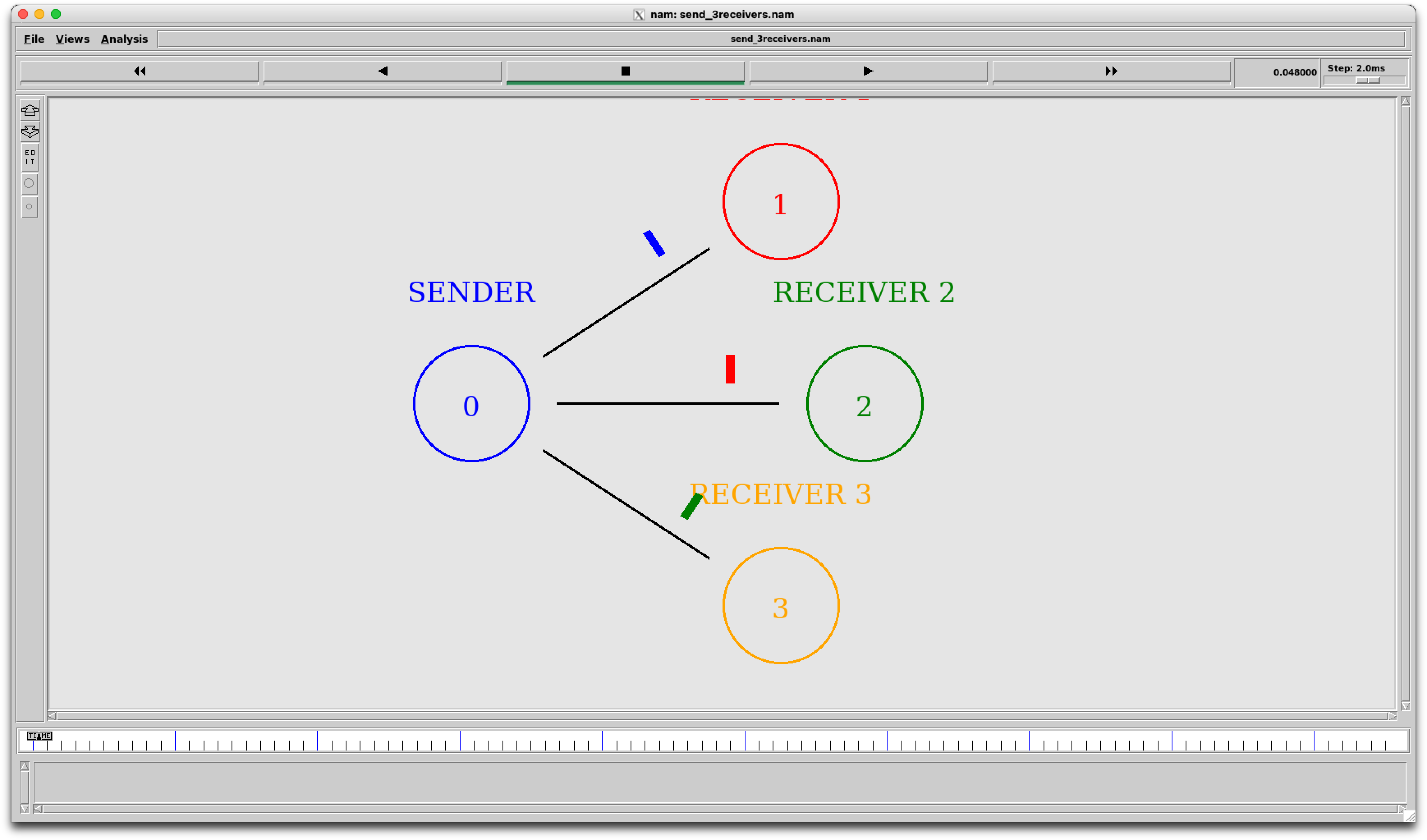 Run the sample ↗
Start the interactive environment from Terminal.
ns2THE SHORT VERSION
READY WHEN YOU ARE